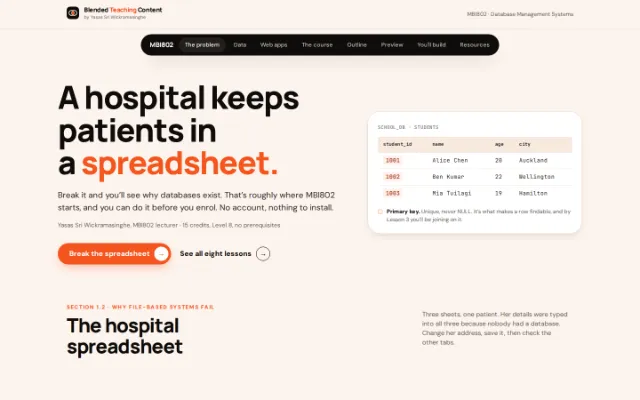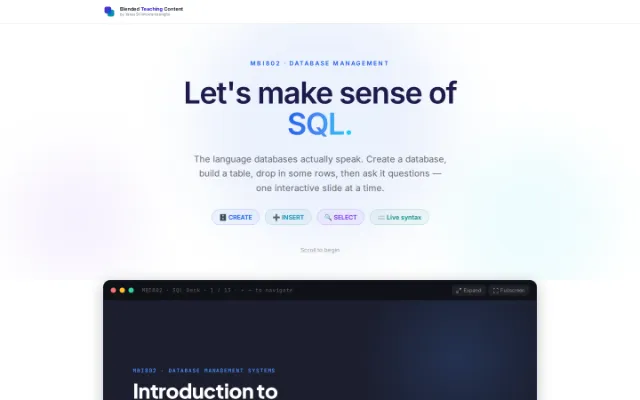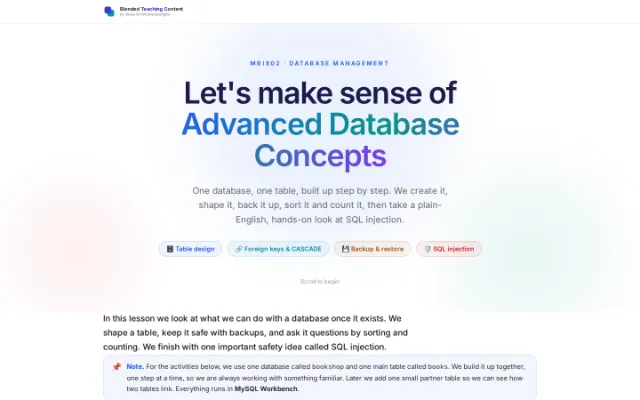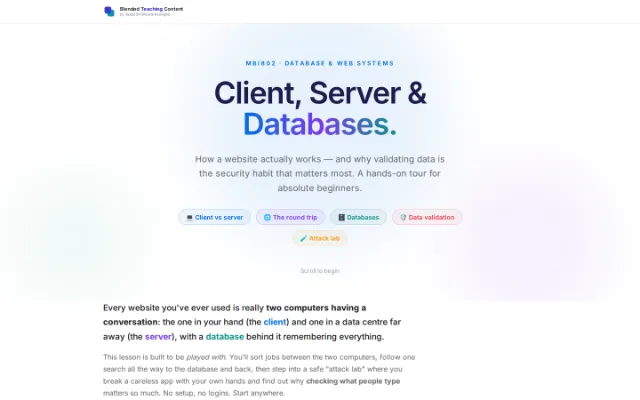
This is the written version of UPDATE and DELETE, taken from the lesson itself. The simulations, drag-and-drop activities and quizzes only work in the interactive lesson.
One missing WHERE clause and your whole table is gone. In this lesson you’ll watch the funny reels, run a live query simulator, and play “Safe or Sus?” so you never make that mistake.
Start here
Two statements, one little safety net
UPDATE changes rows; DELETE removes them. Both quietly hit every row in the table unless you add a WHERE clause to say which rows you mean. Here’s the difference at a glance.
| Aspect | UPDATE | DELETE |
|---|---|---|
| What it does | Changes values in rows | Removes rows entirely |
| Needs WHERE? | Yes — or every row changes | Yes — or every row is deleted |
| Keyword to set values | SET column = value | — (no SET) |
| Worst-case mistake | All rows overwritten | Whole table emptied |
| Safety habit | SELECT first, then UPDATE | SELECT first, then DELETE |
Without WHERE
DELETE FROM students;
UPDATE students SET grade = 'F';
Hits every single row. Everyone fails. Everyone is deleted.
With WHERE
DELETE FROM students WHERE id = 3;
UPDATE students SET grade = 'F'
 WHERE id = 3;
Only the rows you target change. Precise, predictable, sane.
Try it · live simulator
Toggle the WHERE clause and watch
Pick UPDATE or DELETE, switch the WHERE clause on or off, then run it. See exactly what happens to the table — no real database is harmed.
- Operation
- WHERE clause
- Target row (id)
- Your query
UPDATE users
   SET status = 'banned'
WHERE id = 3;| id | name | status |
|---|---|---|
| 1 | Aisha | active |
| 2 | Ben | active |
| 3 | Chen | active |
| 4 | Diego | active |
| 5 | Esha | active |
Watch · learn · laugh
SQL pain, turned into reels
Real mistakes everyone makes once, made funny. Tap a reel to play it right here — it stays on this page.
UPDATE gone wild.
The whole table is gone.
No backup, no problem? 😬
Always target your rows.
Reels load only when you press play, to keep the page fast on phones.
Keep them tame
Three habits that save your data
Do these every time and you’ll never empty a table by accident.
SELECT before you change
Run a SELECT with the same WHERE first. If it returns the rows you expect, swap SELECT for UPDATE or DELETE.
Beware WHERE 1=1
A condition that is always true affects every row — the same as having no WHERE at all.
Wrap it in a transaction
BEGIN, run your change, check it, then COMMIT if happy or ROLLBACK to undo. Your future self says thanks.
Check yourself
Safe or Sus?
Read each query and decide: would you really run it in production?
Would you run this in production?
DELETE FROM students;