This is the written version of Setting up MySQL, taken from the lesson itself. The simulations, drag-and-drop activities and quizzes only work in the interactive lesson.
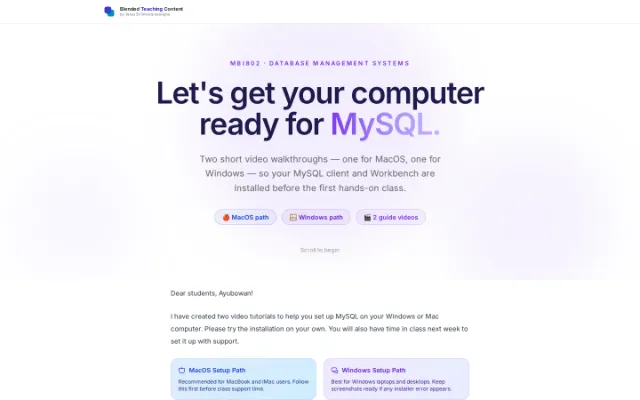
MBI802 · Database Management SystemsLet's get your computer ready for MySQL.
Two short video walkthroughs — one for MacOS, one for Windows — so your MySQL client and Workbench are installed before the first hands-on class.
🍎 MacOS path 🪟 Windows path 🎬 2 guide videos
Dear students, Ayubowan!
I have created two video tutorials to help you set up MySQL on your Windows or Mac computer. Please try the installation on your own. You will also have time in class next week to set it up with support.
Recommended for MacBook and iMac users. Follow this first before class support time.
Best for Windows laptops and desktops. Keep screenshots ready if any installer error appears.
MacOS Guide Video Windows Guide Video
Some of you may see a popup asking to install Visual C++. If that happens, simply download the recommended file that appears on your screen, or use this link: Visual C++ Redistributable.
Different computers can show different errors depending on the software versions you have. One full hour has been set aside in the next class for one-to-one in-person help from your teaching assistants. If you run into any issues, take screenshots and bring them to class.
Comments and suggestions are welcome, especially if you would like more video tutorials.
If your issue is still not solved by the end of the next class, a Google Form will be shared where you can submit your details. This is exactly why the database setup started early, so there is no pressure at all.
Happy learning!