01Home 02Work With Me 03Speaking 04Research 05Teaching 06Students 07Products 08News 09Writing 10About 11Platform New 12Contact 13Curriculum Vitae
MBI804Practice

Conflict swap

Write a real conflict you have lived through, anonymously. The class shuffles everyone's stories so you analyse someone else's — root cause, the mode that was used, and the mode that should have been. A class code from me, no login.

IT Project Management3 min readFree, no login
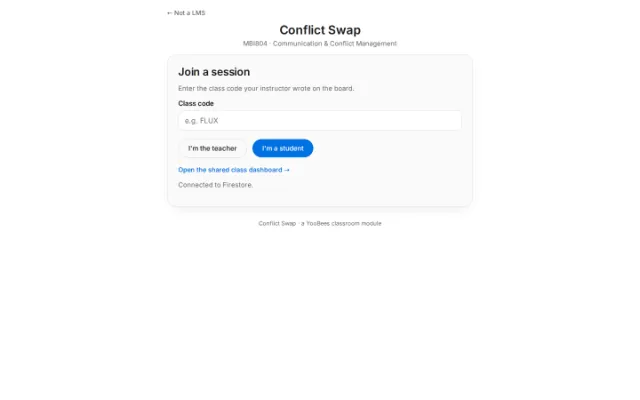
MBI804 · Conflict swap The first screen of Conflict swap

This is the written version of Conflict swap, taken from the lesson itself. The simulations, drag-and-drop activities and quizzes only work in the interactive lesson.

MBI804 · Communication & Conflict Management

Join a session

Enter the class code your instructor wrote on the board.

Open the shared class dashboard →

Teacher panel

Class dashboard

A read-only live view of this session — keep it on the projector or share the link in the webinar chat. It shows the timer, class progress, and the cold-call display. It never shows any student text, so it needs no password.

Copied

Session timer

The countdown also appears on the class dashboard. It does not lock submissions.

Live progress

Needs at least 2 submissions. Every student gets someone else's conflict — never their own.

Assignments

Nothing to show yet — assignments appear here once you shuffle.

Conflict ticketAssigned to (ticket)Analysis

Tickets, not names — students stay anonymous to each other, but you can track who has what.

Export session data

Downloads every submitted conflict, who it was swapped to, all five analysis answers, and any feedback you've sent — one row per conflict. Handy for handing the whole session to an LLM for further analysis.

Review analyses & give feedback

Submitted analyses appear here as students finish. Open one to read the full conflict and all five answers, then send written feedback — it appears on that student's screen immediately.

Roster & cold-calling

0 names saved

Danger zone

Wipes all submissions and analyses, resets the phase to "writing", and clears the roster/called list for this class code. Use this between class sections so the code can be reused.

Class code:

Your responses are anonymous. Nobody can trace this back to you.

Step 1 of 2 · Describe a real conflict you've experienced

Work, university, a team project, family — anything real. A strong write-up covers all four of these: (1) the background and the people involved (no real names), (2) what triggered the conflict, (3) how each side actually responded, and (4) how it ended, or where it stands now. Minimum 400 characters — a classmate has to be able to analyze this without asking you anything.

Submission received

Your ticket:

When everyone has submitted, your instructor will assign you a classmate's conflict to analyze. This screen updates automatically — keep it open.

Step 2 of 2 · Analyze this conflict

Read the conflict below carefully — you may be asked to walk the class through it. Each answer needs at least 80 characters; specific beats general.

Analysis submitted

Here is a recap of what you wrote. Be ready to walk the class through this scenario if your name is called — it isn't your own story, so you can speak freely.

Your instructor may send written feedback on this analysis — it will appear here automatically.

No conflict assigned to you

The instructor has already shuffled, but no conflict is assigned to you — usually because you joined after the shuffle. Let your instructor know; they can pair you up manually.

Class dashboard

Class code
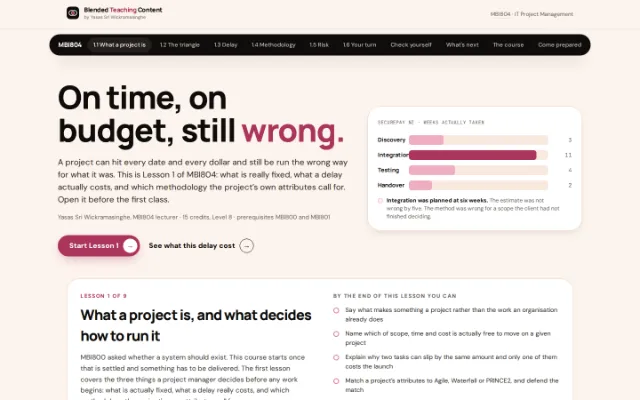
Now try the real thing.

Everything above is on one page so you can read it anywhere. The lesson itself runs in your browser: no login, no install.

More from MBI804, IT Project Management

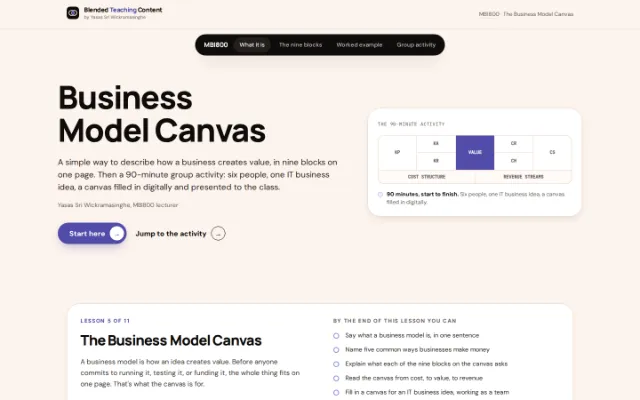
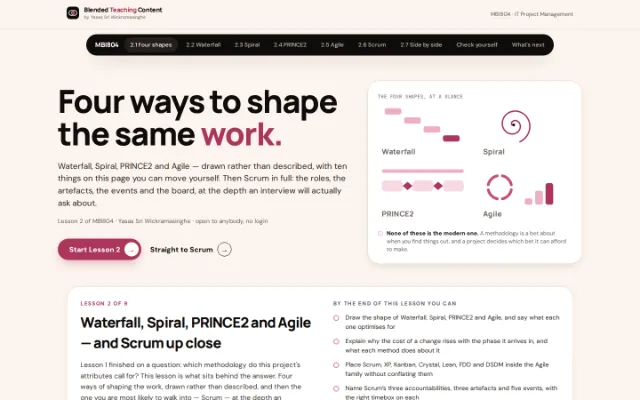
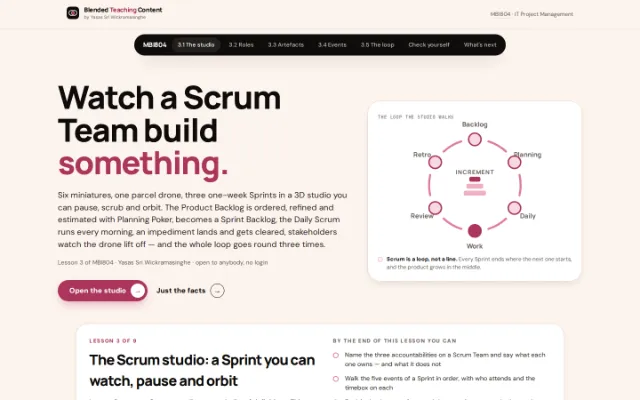
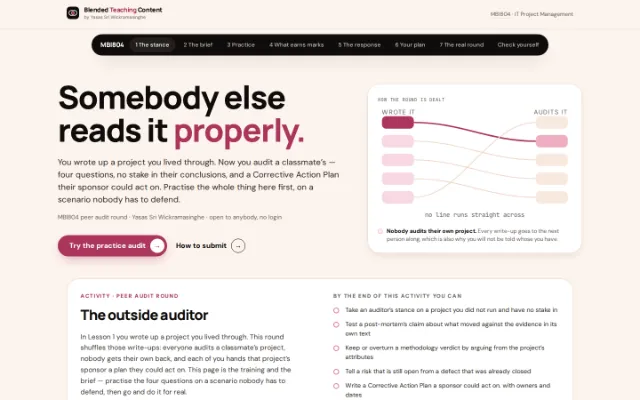
MBI804 · Lesson What a project is, and what decides how to run it The whole of Lesson 1: pin two corners of the constraint triangle and watch the third move, slide a delay along a real schedule to find which tasks the launch date cares about, choose between Agile, Waterfall and PRINCE2 across four project shapes, then price a risk on the grid. Read the lesson → MBI804 · Lesson The Business Model Canvas How a business model works, laid out on one page in nine blocks. Then a 90-minute group activity: six people, one IT business idea, a canvas filled in digitally and presented as a short slide deck. Read the lesson → MBI804 · Lesson Waterfall, Spiral, PRINCE2 and Agile — and Scrum up close Lesson 2, and the one the 60% case study leans on. Four lifecycles drawn rather than described, a change dragged along the cost-of-change curve, Boehm’s spiral walked loop by loop, PRINCE2’s seven principles, themes and processes opened one at a time, then the whole Agile family — and Scrum in full: a clickable framework diagram, twelve “whose job is this?” situations, timeboxes that scale with the Sprint, and a board with a live burndown. Read the lesson → MBI804 · Lesson The Scrum studio: a Sprint you can watch, pause and orbit Lesson 3. Six 3D miniatures build a parcel drone through three one-week Sprints while a caption says what is happening and a timeline marks every milestone: the Product Backlog ordered on the wall, refined and estimated with Planning Poker, Sprint Planning pulling cards into the Sprint Backlog, a fifteen-minute Daily Scrum every morning, an impediment landing and being cleared, stakeholders watching the drone lift off at the Review, one improvement from each Retrospective. Voice-narrated, it pauses after each step so you can read, then a seven-question check. Read the lesson → MBI804 · Practice The outside auditor: peer audit round The class swaps post-mortems — you audit a project you did not run, and nobody gets their own back. Practise the four audit questions on a fictional scenario whose author is confident and wrong about all of them, sort eight sentences into restating, asserting and auditing, choose a risk response where mitigating is the wrong answer, then build the one-page Corrective Action Plan and export it. Read the lesson → MBI804 MBI804 · Lesson Project cost management Plan, estimate, budget — and avoid the traps that sink most IT projects. Seven interactive sections around the SecurePay NZ scenario: PERT calculator, budget builder, live S-curve and a closing challenge. Open on the lessons site ↗